
nginx vs. Apache: Advantages, Trade-offs and Real-World Hosting
An administrator’s comparison of configuration, PHP-FPM, memory, reverse proxies and security.
עברית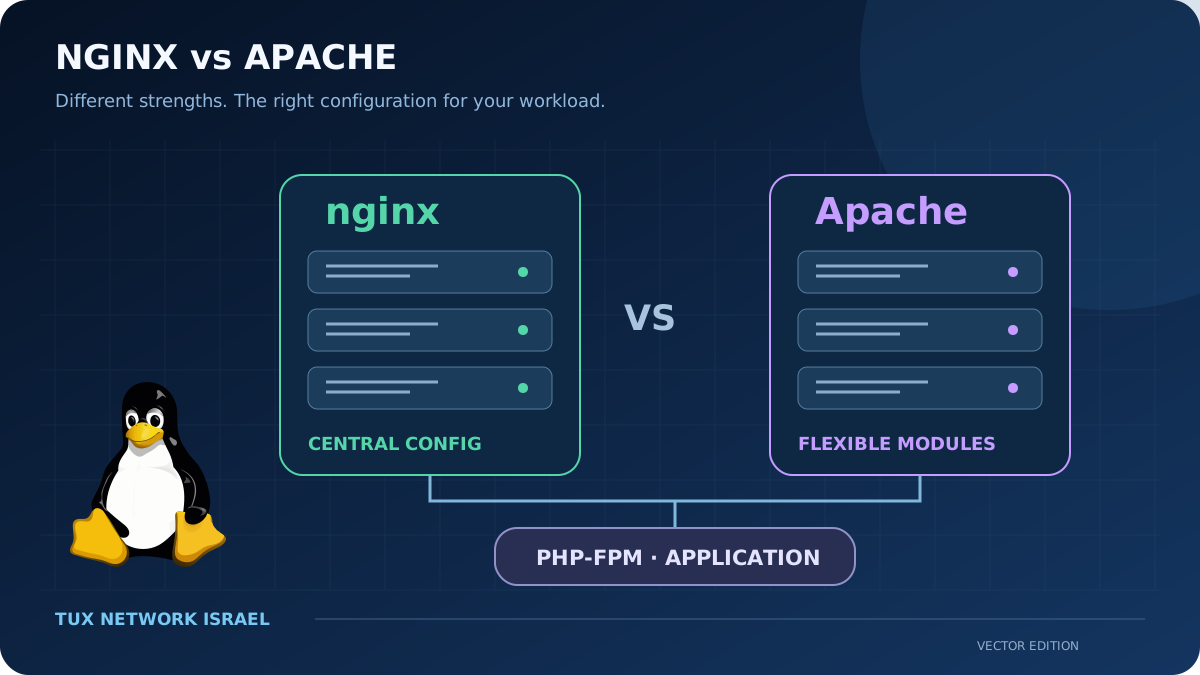
Choose the service you can operate well
nginx and Apache HTTP Server are both capable web servers. Either can deliver a blog, serve static files and pass dynamic requests to an application. The useful choice depends on the application, the configuration model and the people who maintain it. A generic claim that one is always faster or always safer is not a substitute for examining the actual deployment.
For a Linux administrator, the decision should include recovery, logging, certificate renewal and predictable updates. A working website is more than the process accepting a TCP connection. It also needs correct host selection, redirects, PHP handling and access controls.
Architecture: compare modern configurations
nginx uses an event-based worker model. Apache offers different multi-processing modules; the event MPM can handle idle connections without occupying a worker thread in the same way as an actively processed request. Comparing nginx only with an old Apache prefork setup therefore does not represent every modern Apache deployment.
When measuring, record the MPM, enabled modules, PHP arrangement and workload. A static file test and a database-backed page test can expose very different bottlenecks. Server names alone do not describe those differences.
| Criterion | nginx | Apache HTTP Server |
|---|---|---|
| Configuration | Central server/location rules | Virtual hosts, directory rules and modules |
| .htaccess | Does not process Apache .htaccess files | Can delegate directory configuration when permitted |
| PHP-FPM | FastCGI integration | FastCGI via mod_proxy_fcgi |
| Static files / reverse proxy | Common strength and deployment pattern | Also supported; tune the actual configuration |
| Administration | Explicit routing and central control | Flexible module and per-directory ecosystem |
| Free software | Permissive open-source licence | Apache License 2.0 |
nginx advantages and trade-offs
nginx is a good fit when a small administration team wants explicit, centrally reviewed routing. It can serve static content and act as a proxy before application services. Keeping the rules in a controlled configuration can make changes easier to audit.
The trade-off is that applications supplied with Apache rewrite rules need translation and testing. nginx will not read an .htaccess file placed in a content directory. Location selection and path handling must be understood; a superficially similar rewrite can have different consequences. Central control also means users generally need the operator to make those changes.
Apache advantages and trade-offs
Apache’s per-directory configuration can be useful in shared hosting, where a site owner needs a limited ability to adjust behaviour without editing the server’s main configuration. Its module ecosystem is another practical reason to retain it for an existing application.
Distributed .htaccess rules also introduce processing overhead and can spread configuration across the filesystem. The Apache documentation recommends using the main configuration when access permits it. Our recommendation is to delegate only what is needed, document module choices and avoid keeping legacy compatibility settings without knowing why they remain.
PHP-FPM works with either
Both servers can forward PHP requests using FastCGI. The server must map the request to the intended script, and PHP-FPM must run with appropriate account permissions and limits. A switch of web server does not automatically fix a slow database query or an oversized PHP process pool.
For a fair deployment comparison, use equivalent application code and data, test that nonexistent PHP paths are not misrouted, and verify upload-directory handling. Our security preference is to keep uploaded content separate from executable application code and to make the permitted execution paths explicit.
Memory: measure the whole stack
A lean nginx setup can have a small web-server footprint. That observation does not establish a fixed memory saving for every migration. The total includes PHP workers, loaded modules, caches, database processes and connection buffers. Apache with event MPM and PHP-FPM is a different comparison from Apache with embedded PHP under prefork.
Our practical advice is to measure memory and latency under representative traffic, including concurrent dynamic requests. Watch errors and saturation as well as averages. An impressive requests-per-second figure is not useful if requests fail or return the wrong content. This article intentionally gives no universal megabyte or speed claims.
Security and a useful decision
Neither server becomes secure solely through its brand. Patch the deployed packages, restrict configuration writes, protect secrets and test the public behaviour after changes. If a reverse proxy sits in front, define which proxy is trusted before accepting forwarded client addresses. Avoid caching private responses without understanding the application’s authentication and cache rules.
Choose nginx when its central configuration and proxy-oriented deployment match your work. Choose Apache when its application compatibility, modules or delegated configuration solve a real requirement. Running both can also be valid, but adds configuration and failure paths. For a small blog, begin with the simplest arrangement the team can explain and restore. See PHP, HTML and MariaDB for the rest of the stack.