
Free JavaScript: User Freedom, Privacy and Security
Readable source, clear licences, GNU LibreJS and practical defences for the browser.
עברית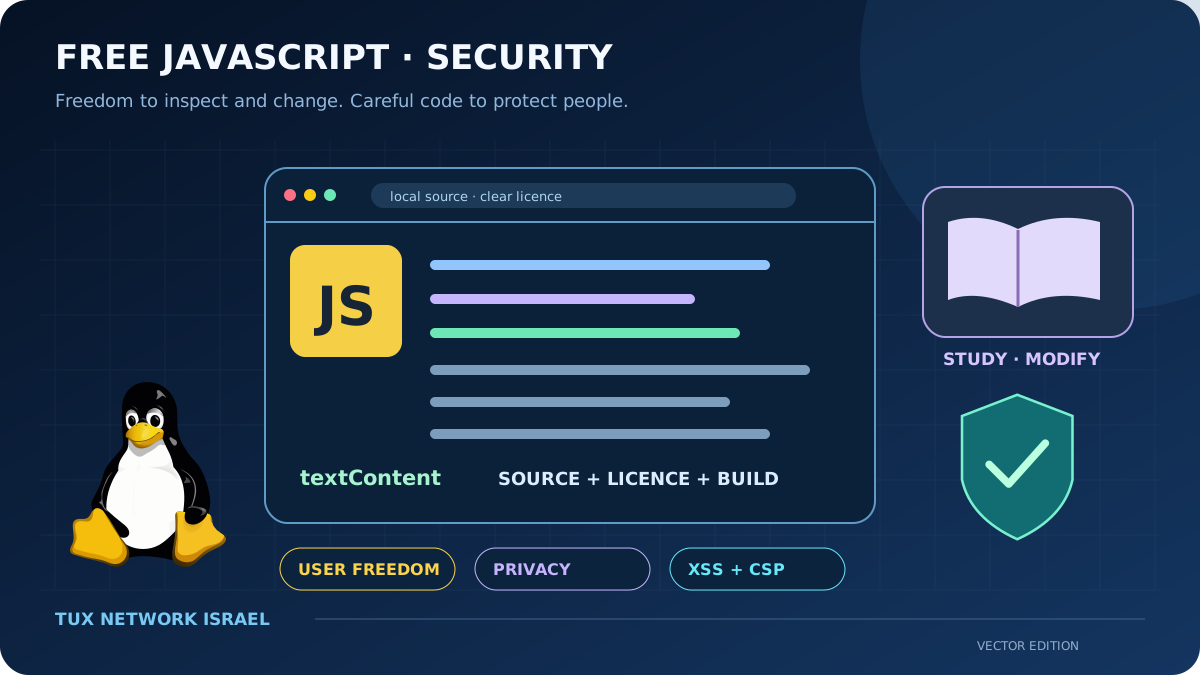
Freedom is a right, not a price tag
Free JavaScript means programmes whose licences let users run, study, modify and share them. A script being downloadable at no charge does not by itself provide those rights. Neither does a visible source file without an appropriate licence. The goal is to give the person using the browser meaningful control over the programmes the page asks it to run.
JavaScript runs on the visitor’s computer
When a website delivers JavaScript, it asks the browser to execute a programme. The FSF’s Free JavaScript campaign argues that users should have the freedoms to study, modify and share those programmes, not merely permission to visit a page. Richard Stallman’s “JavaScript Trap” develops this argument. This is a position about software freedom, distinct from a claim that all scripts are malicious.
A script can be visible in developer tools and still lack a free licence. Equally, heavily minified output may be difficult to study even if its source project has a permissive licence. A responsible release should make the preferred form for modification available, together with clear licensing and the tools needed to understand how the served files were built.
Make freedom visible in the deployment
The GNU guidance describes ways to label free JavaScript, including licence information and machine-readable declarations. GNU LibreJS aims to identify and block nonfree, nontrivial scripts while allowing free or trivial ones. It is a tool for a particular freedom policy, not a general malware detector or proof that a page is secure.
For a small community website, our preferred approach is to keep essential reading and navigation available without scripts. Add enhancement only where it helps. Host required code in a controlled location, keep its source and licence available, and review dependencies rather than loading a third-party bundle merely for a decorative effect.
Security and freedom answer different questions
A free licence gives users rights; it does not certify the quality of an implementation. A freely licensed script can contain an XSS flaw. Cross-site scripting occurs when untrusted content becomes executable page content. Use output handling appropriate to its context, and prefer APIs that treat user input as text when HTML interpretation is unnecessary.
Conversely, passing a security test does not grant a right to modify or redistribute a programme. For our reviews, licensing and security are separate checks. Both matter, and neither can stand in for the other.
Reduce the consequences of a mistake
Content Security Policy can restrict permitted script execution and resource loading. It is an additional defence, not a substitute for correcting unsafe rendering. Nonces and hashes can support a stricter policy; rollout should be tested because an unsuitable policy can break legitimate features.
We recommend reducing third-party scripts, documenting what data they receive and updating dependencies deliberately. Avoid putting credentials in browser code: visitors receive that code. Keep server-side authorisation even if the interface hides a control. A browser form can improve usability, but the server must decide whether a change is permitted.
A free web is also a usable web
For the TUX community, the practical goal is a site people can read, understand and maintain. Clear HTML, modest scripts and published licensing make that goal easier to inspect. Offer ordinary links, labelled controls and meaningful text when a feature is unavailable. Read how server-side PHP and SQL fit into the same picture and the article on GNU software freedoms for the wider context.
Treat input as text when that is what you need
For a plain-text preview, assign textContent rather than interpreting the visitor’s text as HTML. This small example addresses that rendering choice only; it is not a complete security model for an application.
const preview = document.querySelector('[data-preview]');
const input = document.querySelector('[data-message]');
if (preview && input) {
  preview.textContent = input.value;
}